Step-by-Step Walkthrough
How to Use REGAIA
Classify any waste item in seconds — upload a photo and let the AI do the rest. Follow the five steps below to get started.
The Process
Five Steps to Classification
Open the Homepage
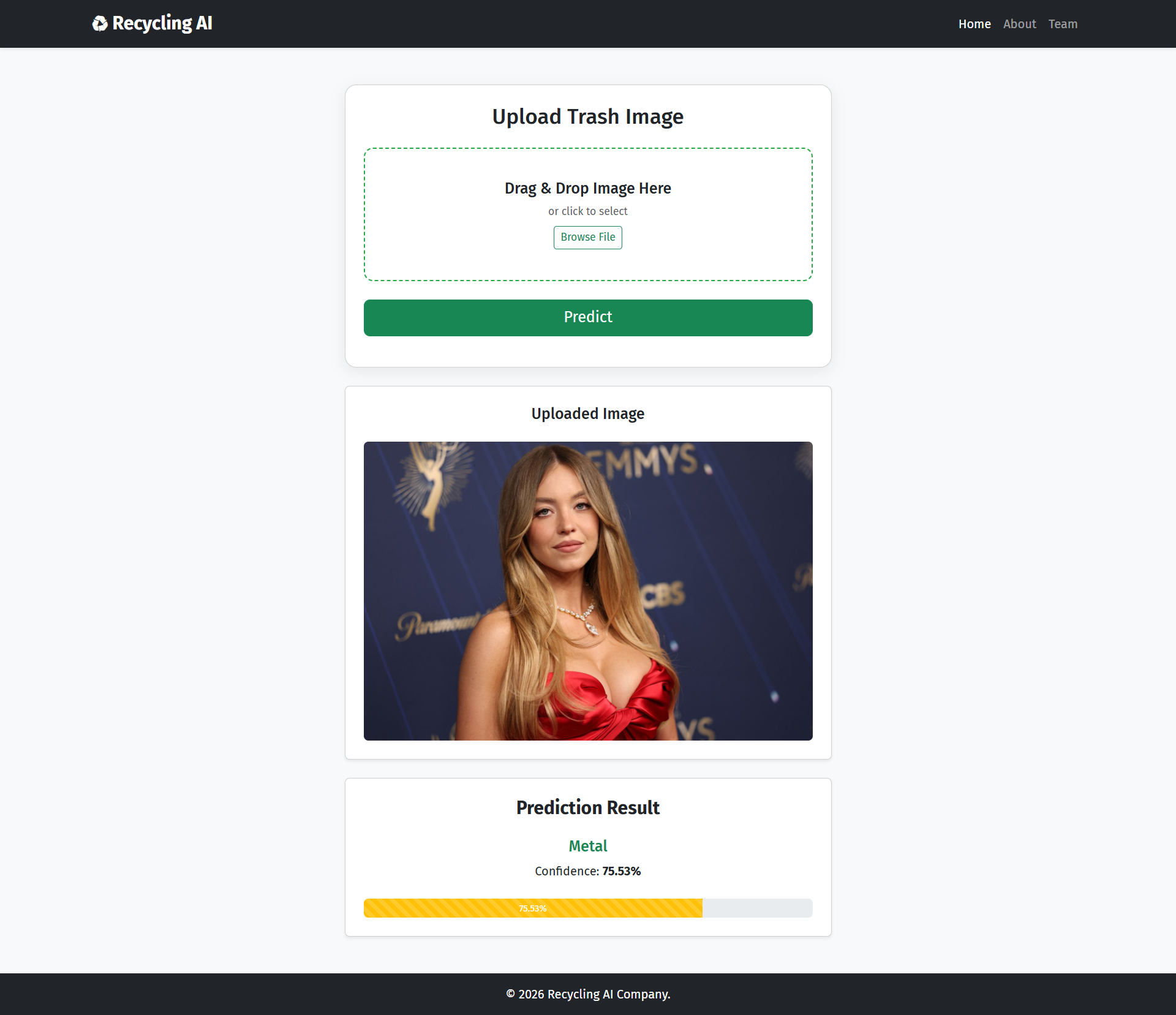
Navigate to the REGAIA homepage. You'll be greeted by the main upload interface — a clean, centred panel where you can drag and drop a waste image or browse your device for a file.
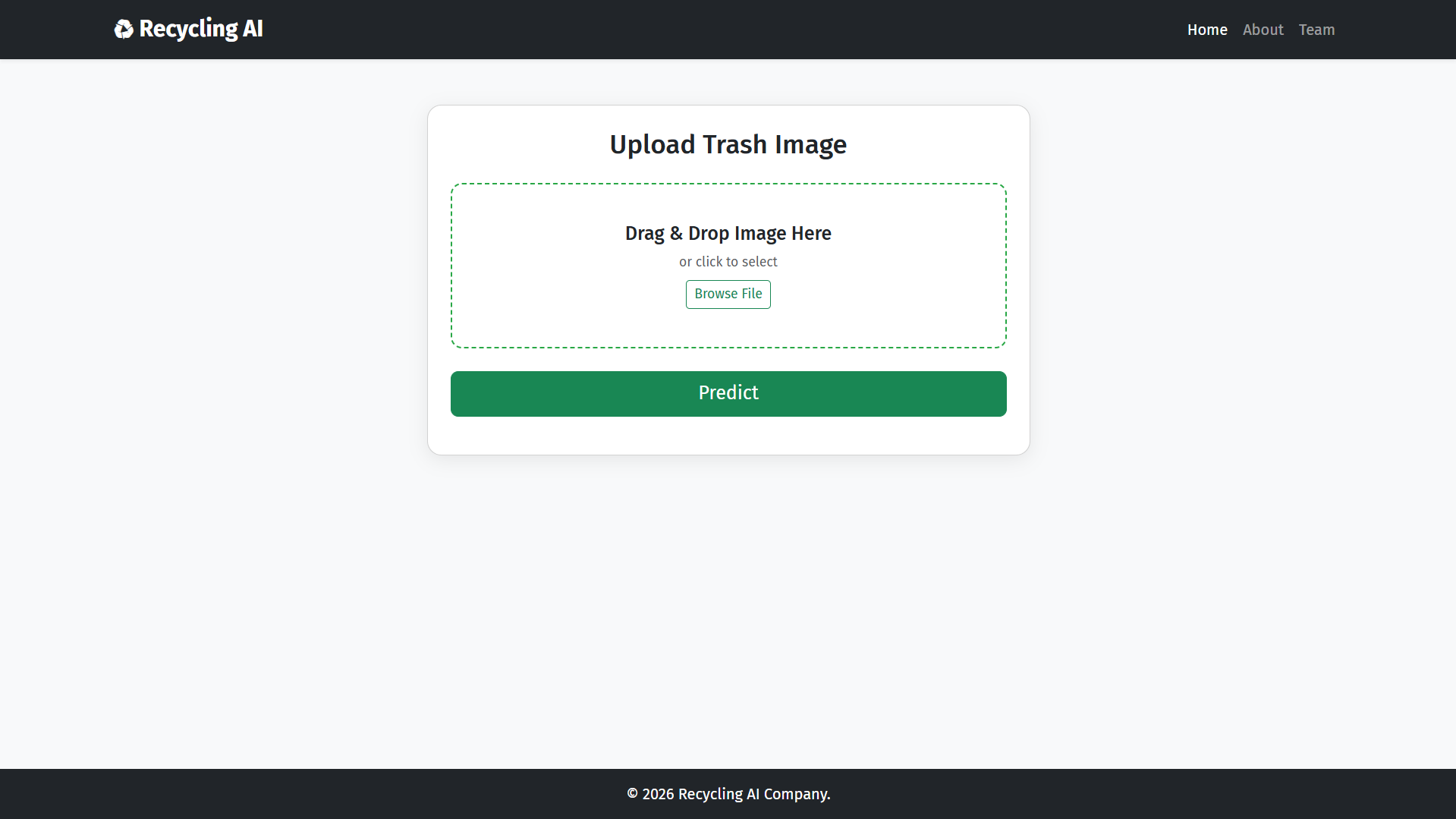
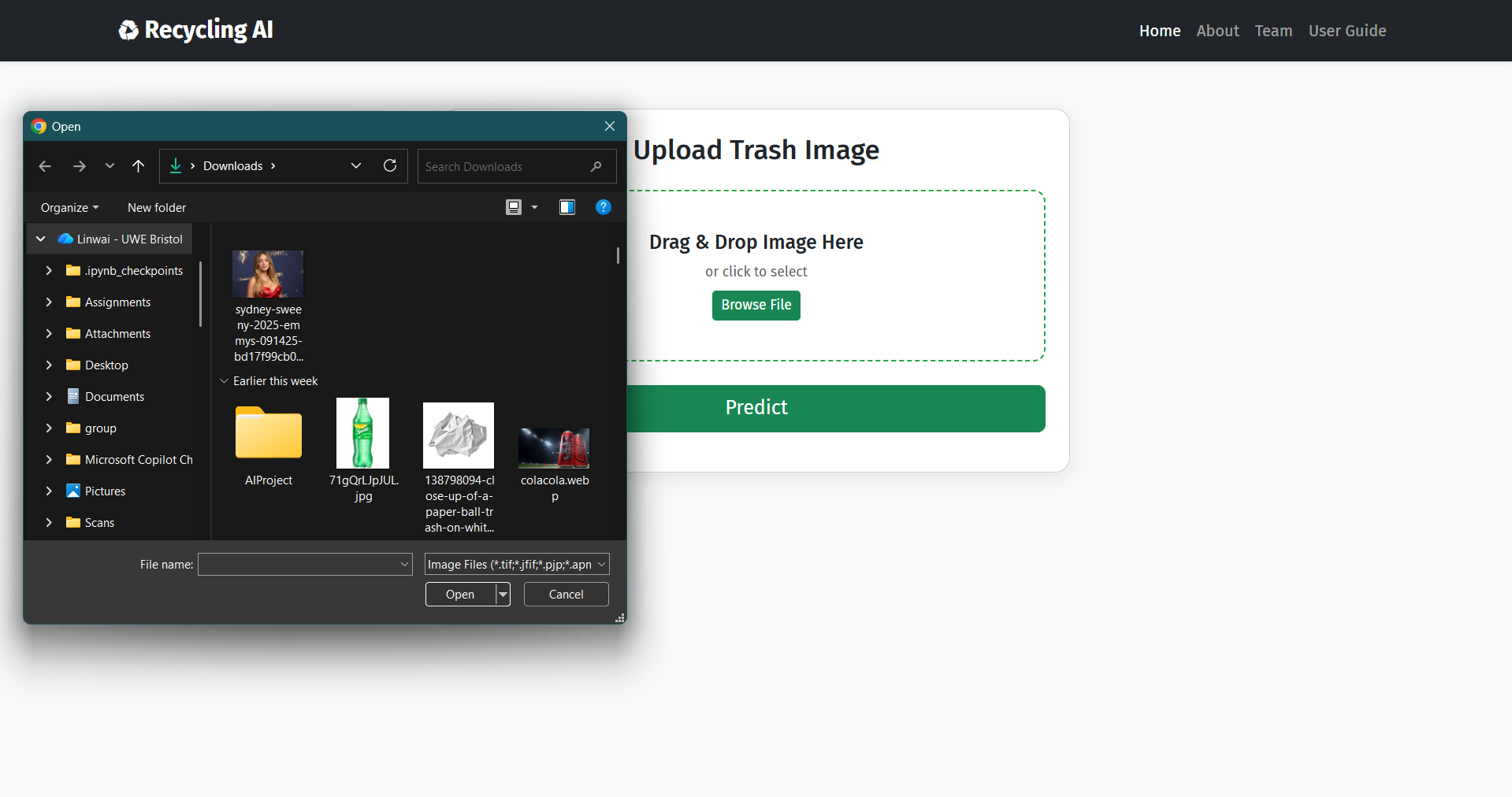
Upload Your Waste Image
Drag and drop your image directly into the upload area, or click the browse button to select a file from your device. The system accepts common image formats and supports files up to 10 MB.
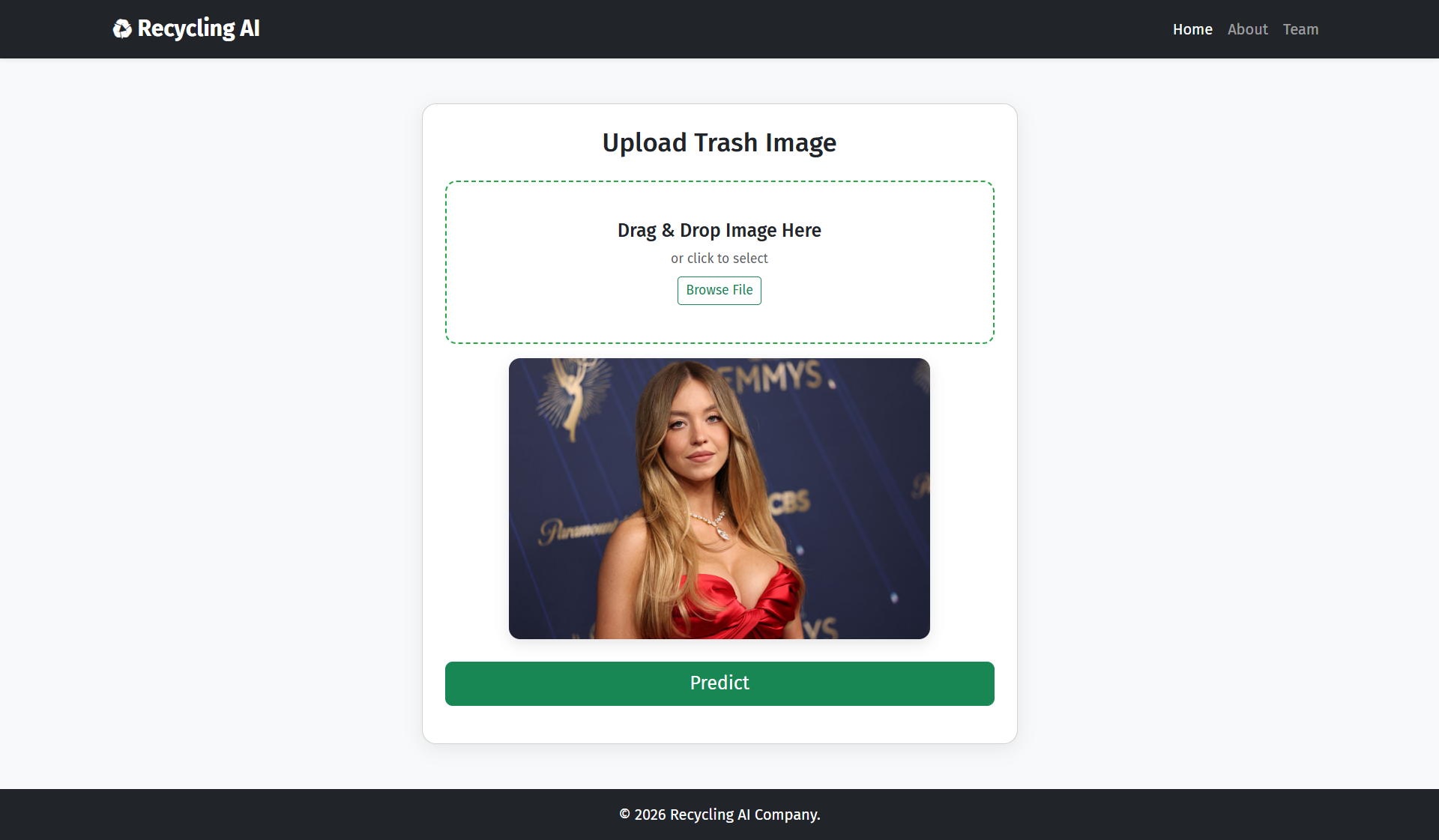
Preview the Image
Once selected, a preview of your uploaded image will appear on screen. Take a moment to confirm the image is clear, correctly framed, and shows the waste item you intend to classify before moving on.
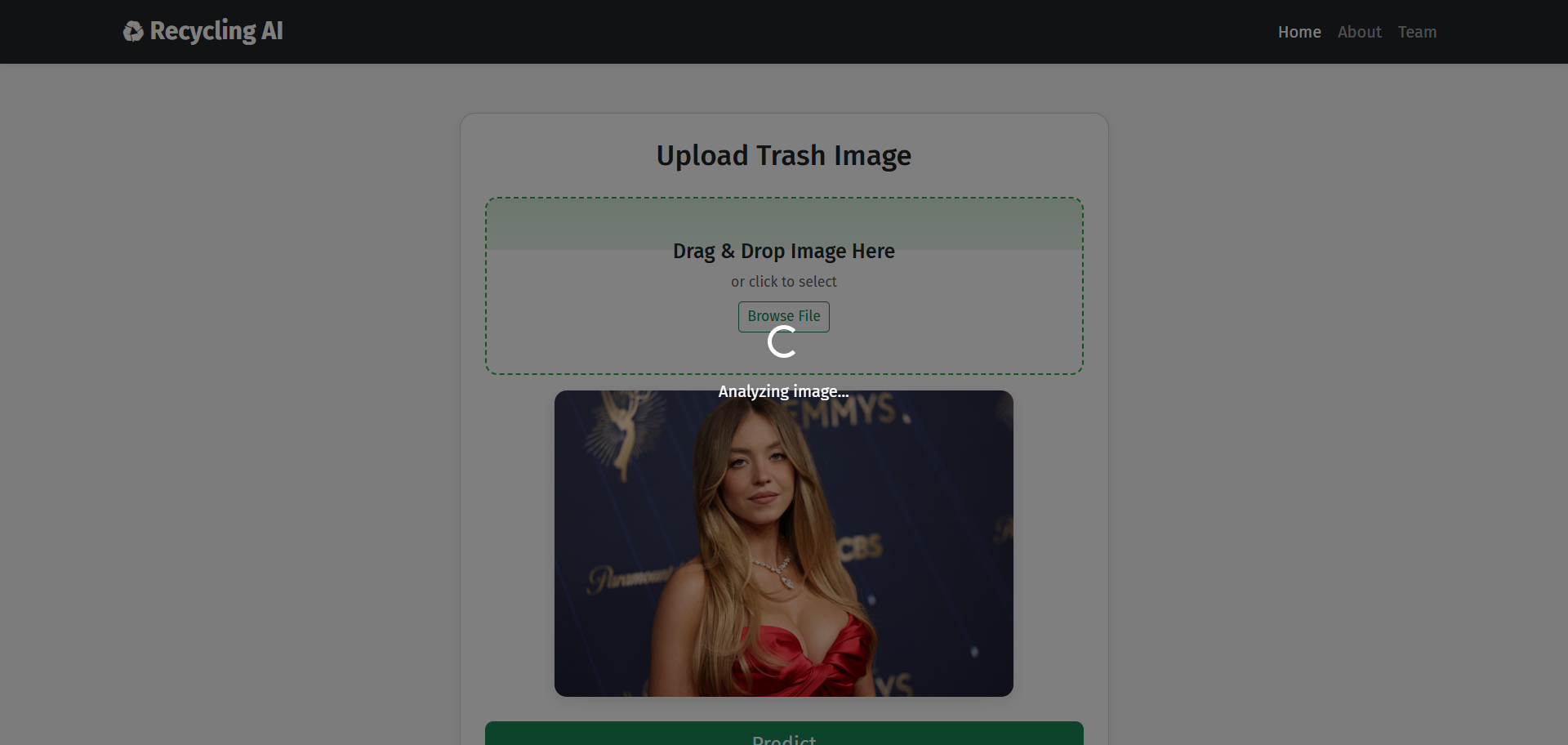
Click Predict
Press the Predict button to submit the image to the AI model. A scanning animation and loading indicator will appear while the system analyses the visual features of your image against its trained categories.
View Your Result
The AI returns the predicted waste category along with a confidence score shown as a progress bar. The higher the confidence, the more certain the model is about its classification — use this to guide your recycling decision.
Best Practices
Tips for Better Results
Good Lighting
Take photos in natural daylight or a well-lit space. Shadows and dim lighting reduce the model's ability to distinguish material types accurately.
Single Item Focus
Centre one waste item per photo. Mixed or cluttered scenes may confuse the classifier — isolating the item gives the best confidence scores.
Sharp & Clear
Avoid blurry or motion-blurred images. Hold your device steady and ensure the item is fully in frame with no important parts cut off.
Retry if Uncertain
A low confidence score means the model is unsure. Try a different angle, better lighting, or crop the image closer to the item and predict again.